
KnockBlock G4+ (KNB)
KnockBlock G4+ (KNB)
📦 International shipping. Shipping costs are calculated automatically at checkout based on your address.
Couldn't load pickup availability
SHARE WITH A FRIEND
KnockBlock G4+ (KNB)
(Import only)
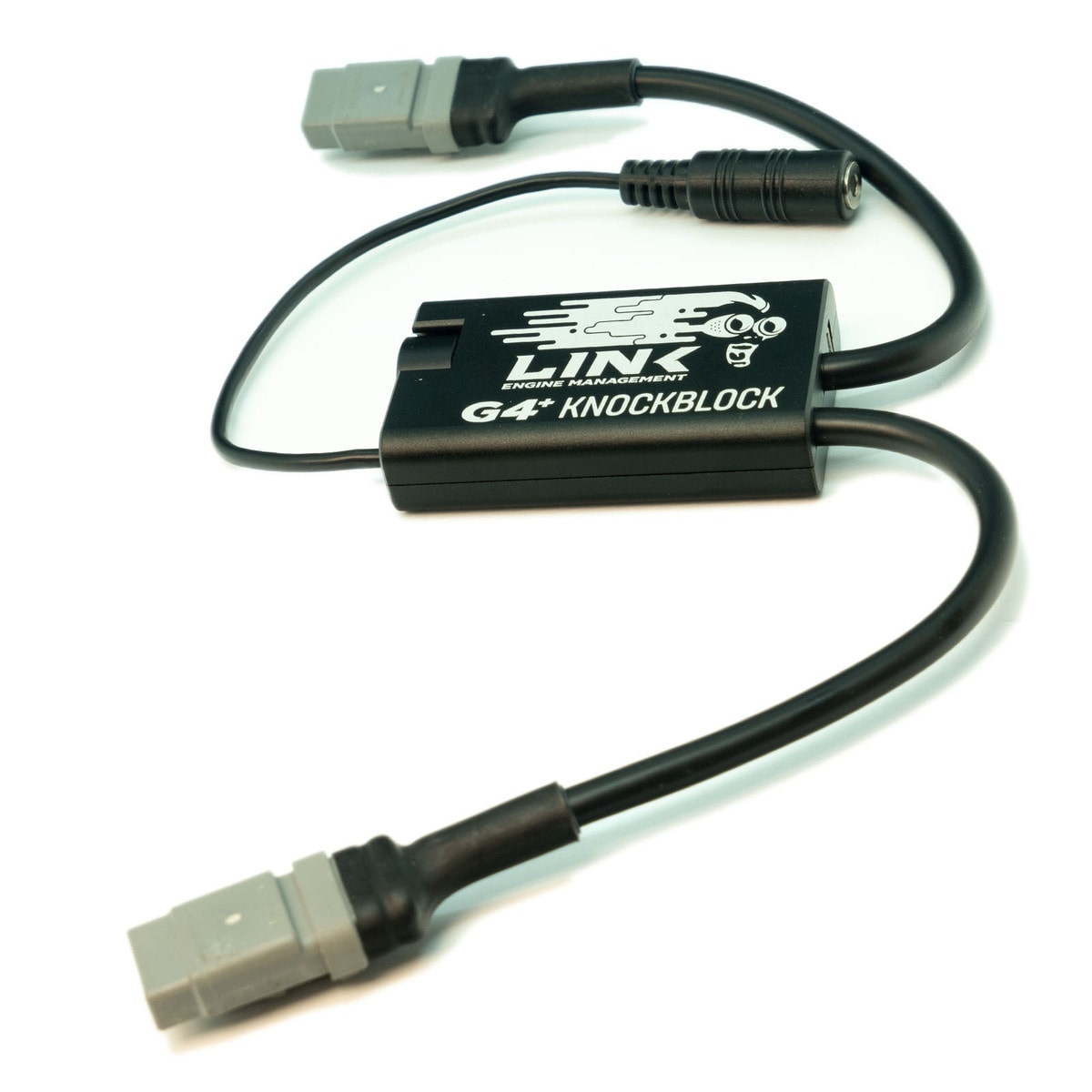
G4+ KnockBlock is an essential tuning tool that can help detect incorrect ignition timing, lean fuel mixtures and mechanical issues early. Used with headphones or noise-canceling earmuffs, it has specialized filtering to help you hear and detect knock in time.
Listen to one or two knock sensors
Special filtering improves the signal-to-noise ratio
Can be used with headphones, headsets or noise-canceling earmuffs
Rechargeable lithium battery with long battery life
Durable CNC aluminum housing
Headphone connector on a flying lead
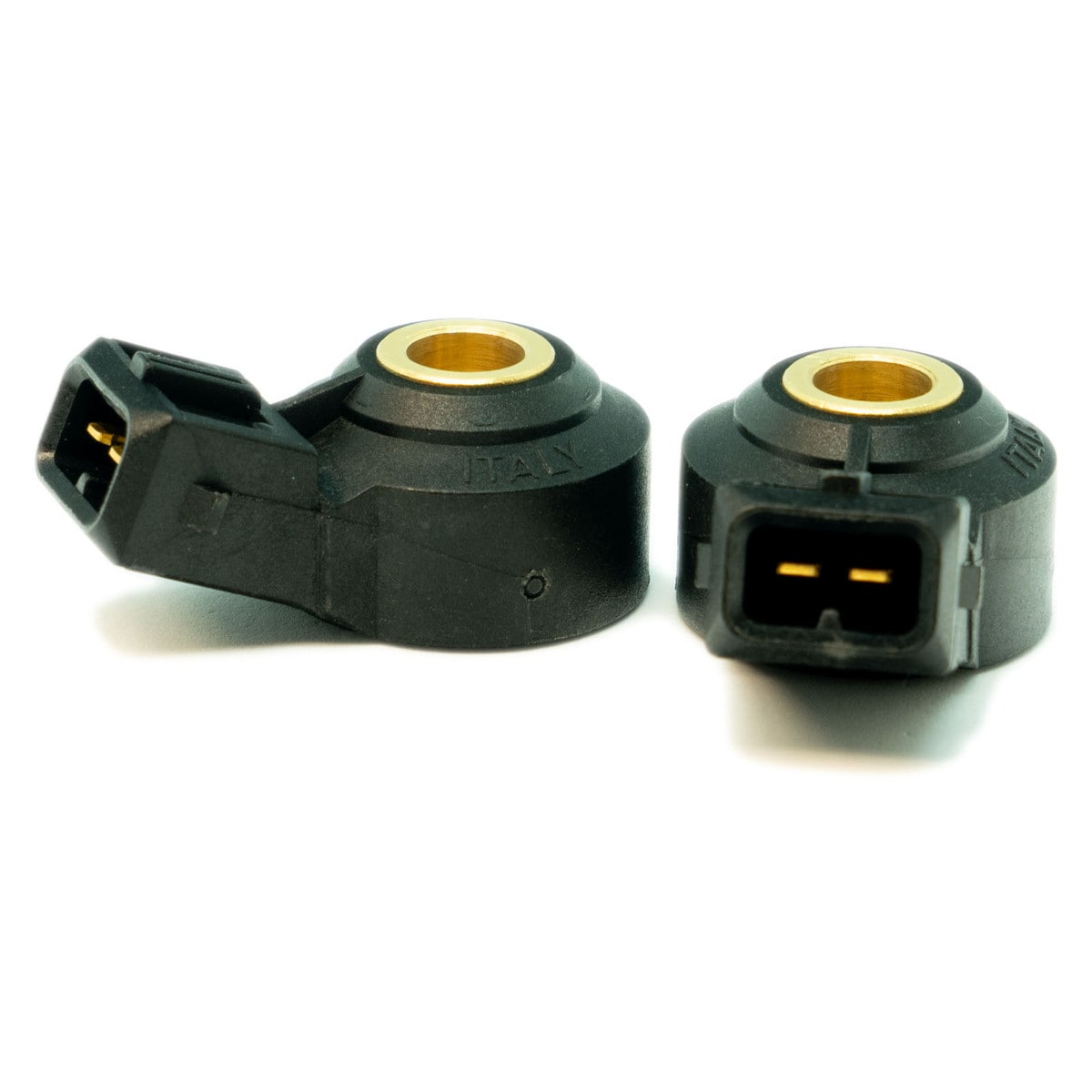
Can be used with all OEM knock sensors
*** Can connect directly to a laptop to record engine noise or analyze knock sensor frequency using PCLink G4+. ***
Please note that headphones with their own noise filtering may be unsuitable for use with G4+ KnockBlock
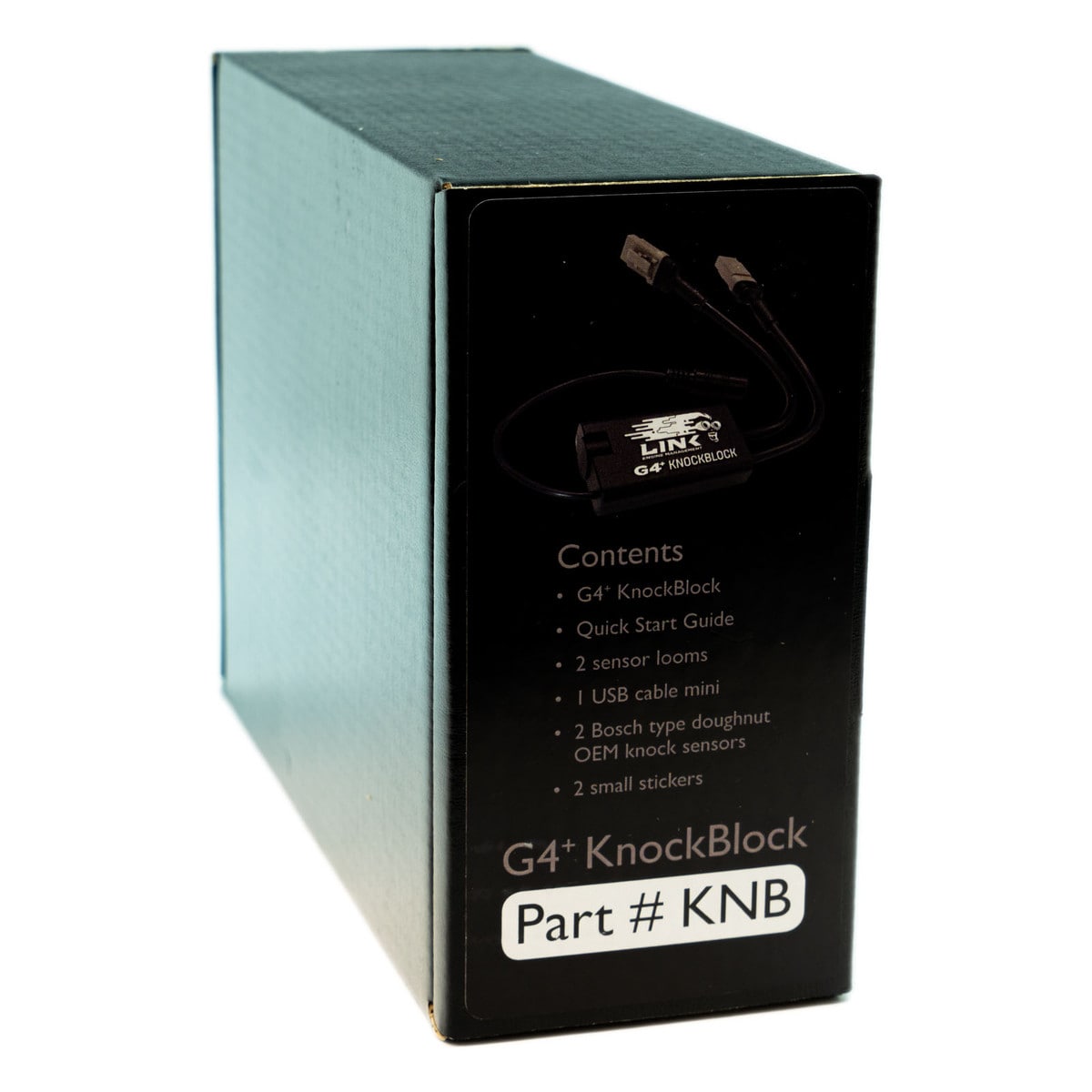
What's in the box:
G4+ KnockBlock main unit
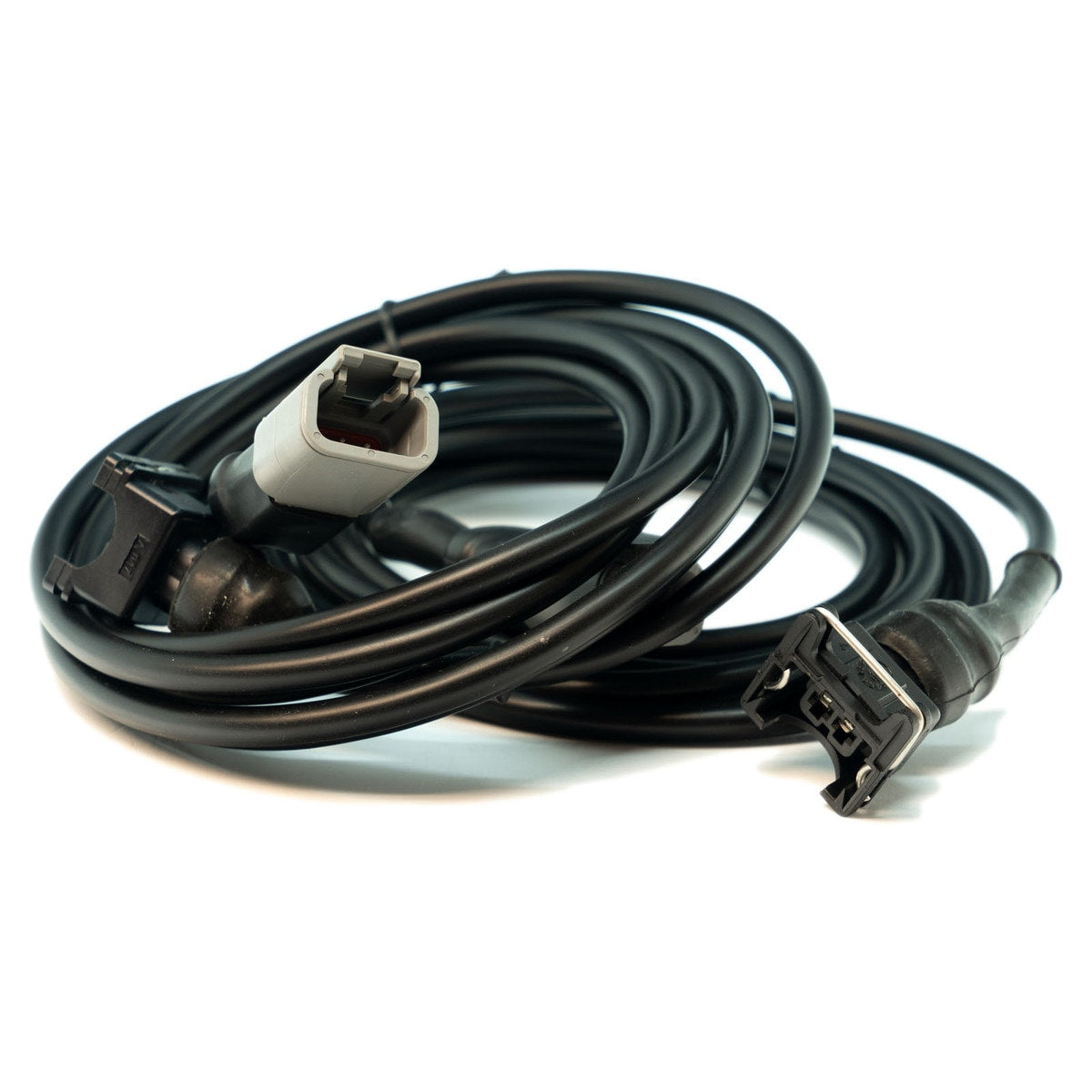
2 sensor harnesses (attached)
*Quick start guide
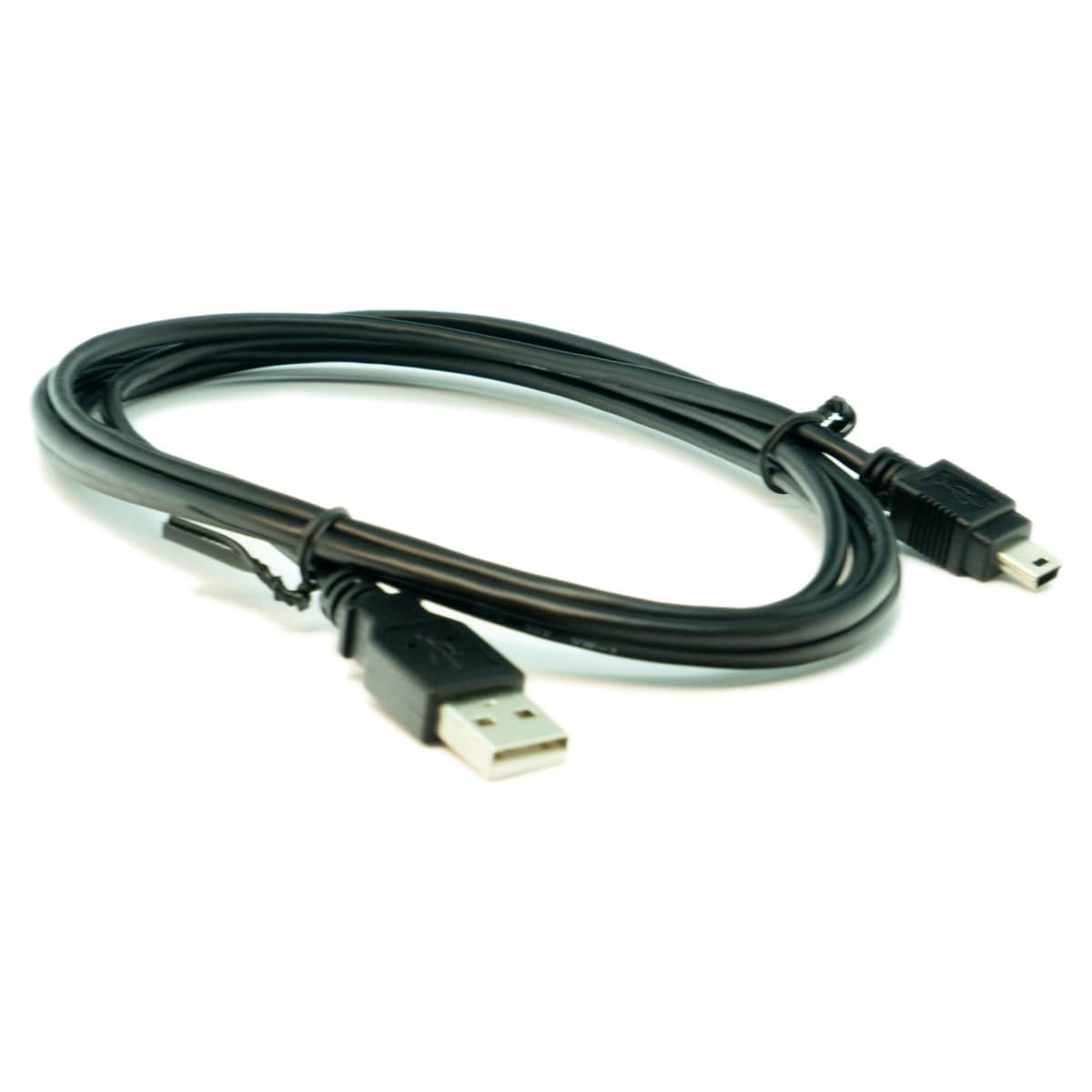
1 Mini USB cable
2 OEM Bosch donut-type knock sensors
2 small Link Engine Management stickers
Operating instructions:
- Install the knock sensor(s) in a suitable location on the engine, usually a solid mounting point on the block near the cylinder head. If using only one sensor, leave the unused sensor cable disconnected.
- Turn the volume control clockwise until it clicks.
- The LED indicator turns blue when KnockBlock is operating.
Turn the volume to minimum (fully counterclockwise)
- Connect headphones to the 3.5 mm audio socket
- Start the engine and carefully increase the volume (clockwise) until you can hear the engine's mechanical noise. Adjust to a comfortable listening level.
Charging:
- Switch off KnockBlock by turning the volume control counterclockwise until it clicks.
- Connect the USB charging cable to KnockBlock's Mini USB socket. Charge from a standard PC, laptop, car or phone USB charger (maximum 2.1A at 5V).
- The LED is red while charging. When it turns off, the battery is fully charged.
- Charge G4+ KnockBlock after use and before storage.
